
VibeView
Every device your app ships to, running in a browser tab.
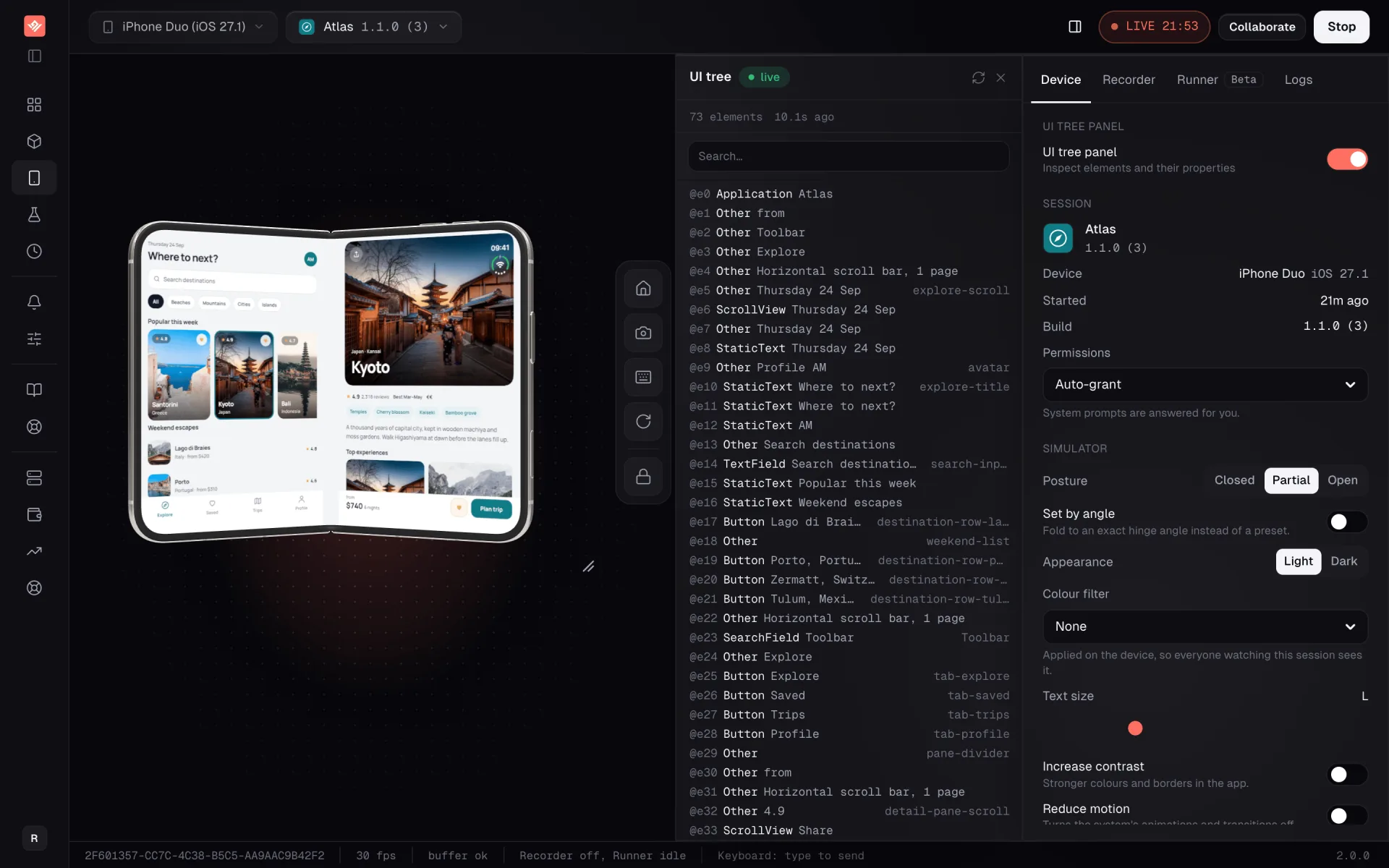
iOS and Android simulators, Apple TV and Android TV, streamed into any browser at 30 frames a second. A real Roku joins them over HDMI, because Roku has no simulator to run. No device shelf, no local Xcode, no waiting for a free machine.
The problem that produced it
Shipping a streaming app to every screen means verifying it on every screen. Traditionally that is a shelf of physical devices, each with its own cables, firmware and remote, and a person sitting in front of them. It is the slowest part of OTT delivery and the easiest place for a regression to hide until launch week.
What it does
VibeView boots a device and streams it to your browser in seconds — tap, swipe, type, and drive TV platforms with the d-pad. Upload a build and it installs and launches automatically, with a shareable link that opens that exact version for anyone you send it to. Describe a test in plain language and an AI agent reads the live UI tree and executes it, targeting elements rather than coordinates. Hybrid mode replays your recorded steps first and hands off to the agent when the UI moves. Visual regression compares every step against its baseline mid-run, not at the end.
The parts nobody else has
Roku has no simulator, so VibeView captures the HDMI output of real hardware and gives you a working remote and a live UI-tree inspector in the browser. Live development connects a local React Native project to a streamed cloud device, so a code edit hot-reloads on the device in about a second — including iOS work from a machine that is not a Mac. And any session embeds in a page by iframe or SDK, which is how a live demo ends up inside documentation or a sales deck.
Why it matters if you hire us
The test infrastructure behind your build already exists, is already in production, and is already paid for. You are not funding a device lab before we can start work on your app.
Runs on
- iOS
- Android
- Apple TV
- Android TV
- Roku (beta)