
Solution
OTT app migration and replatforming
Move your apps off a platform that is going away, without losing subscribers or store ratings.
- Carries over
- Catalogue
- Sign-in
- Entitlements
- Business rules
- Design
- Rebuilt per platform
- Navigation
- Playback
- Store listing
- Common triggers
- Supplier winding down
- OS version cutoff
- Framework end-of-life
- Team turnover
What moves, and what gets rebuilt
What carries over
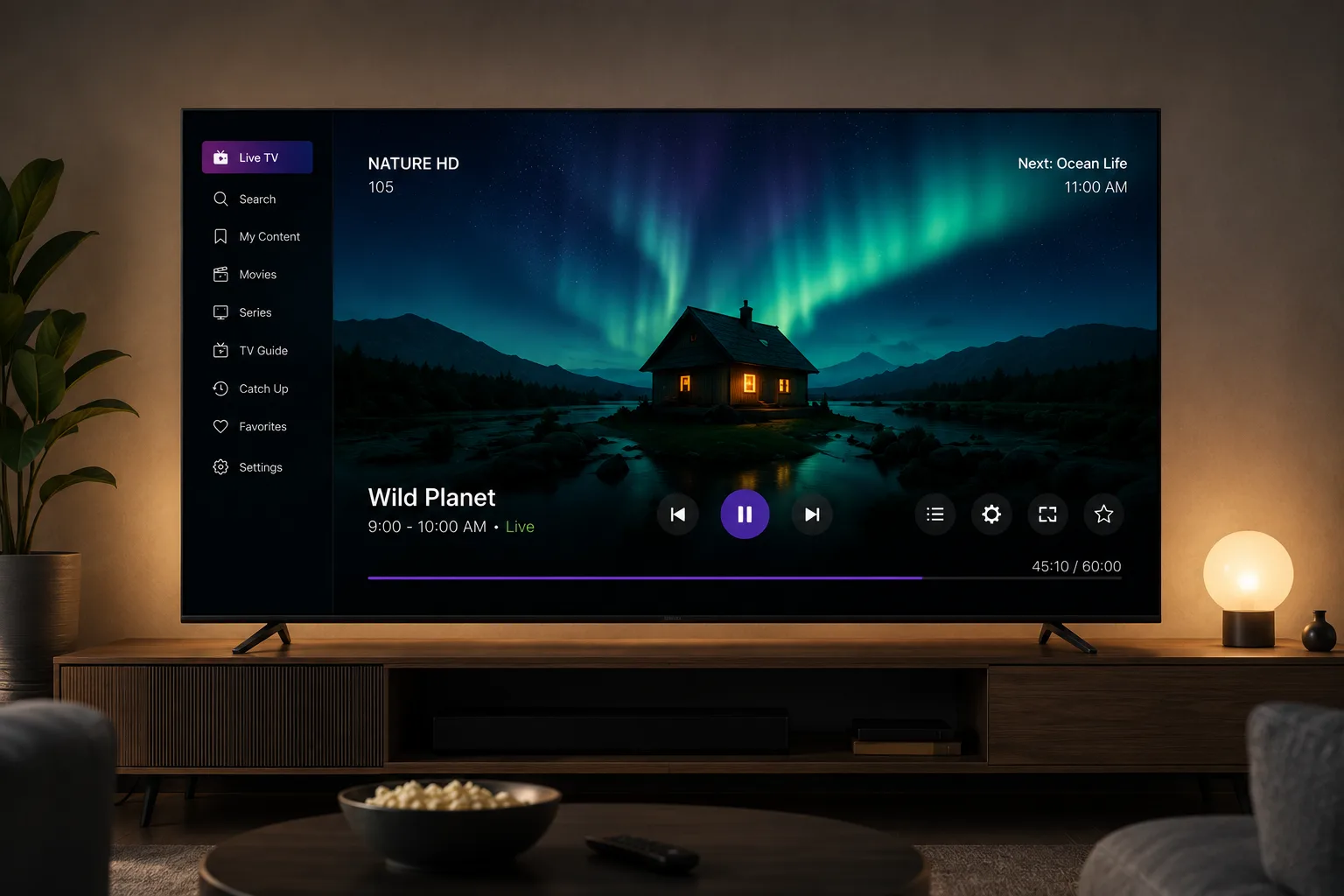
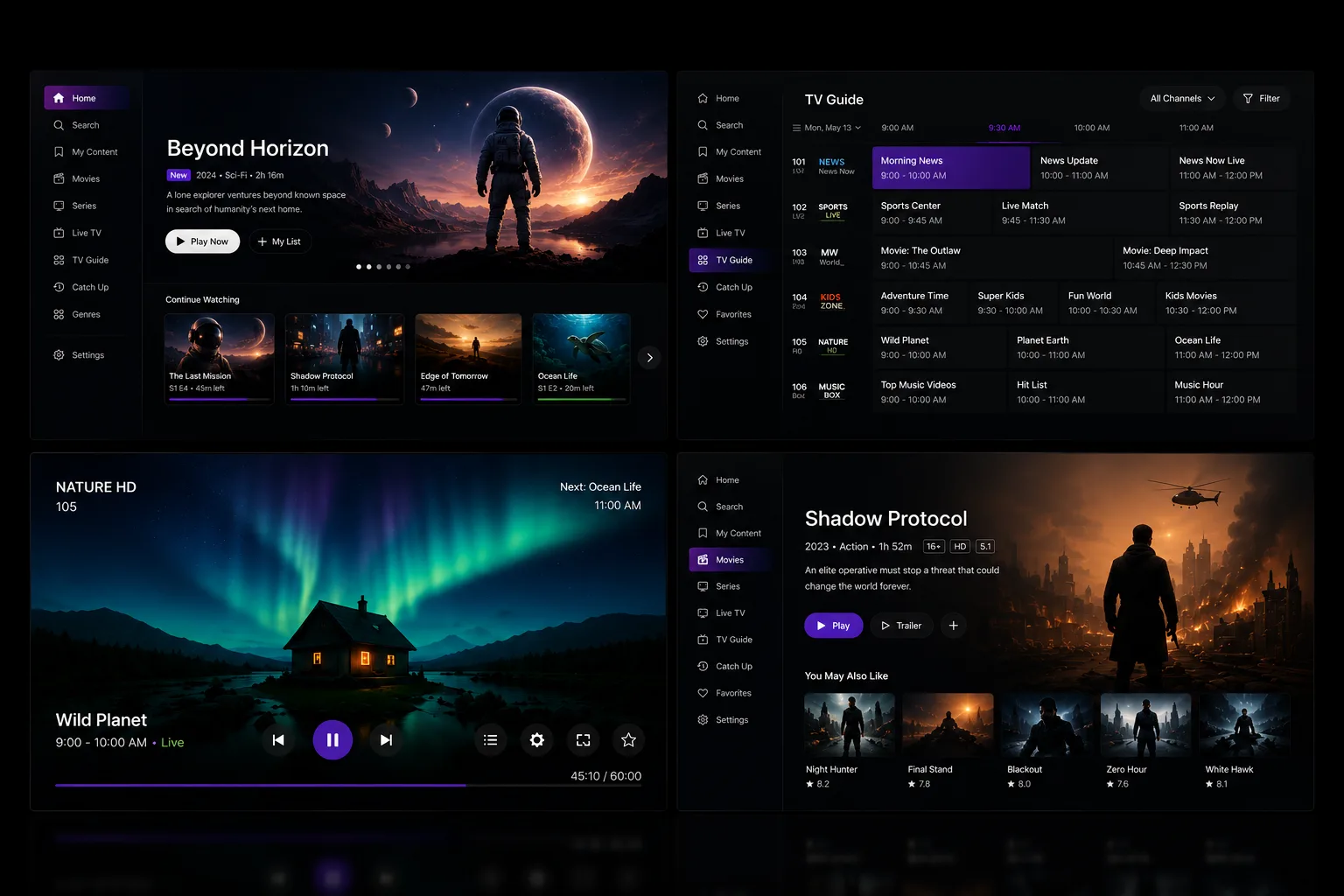
Your catalogue, sign-in, entitlements and business rules describe your service, not the platform it happened to run on. They come across, and so does the design — a like-for-like move should be invisible to the people using it.
What gets rebuilt
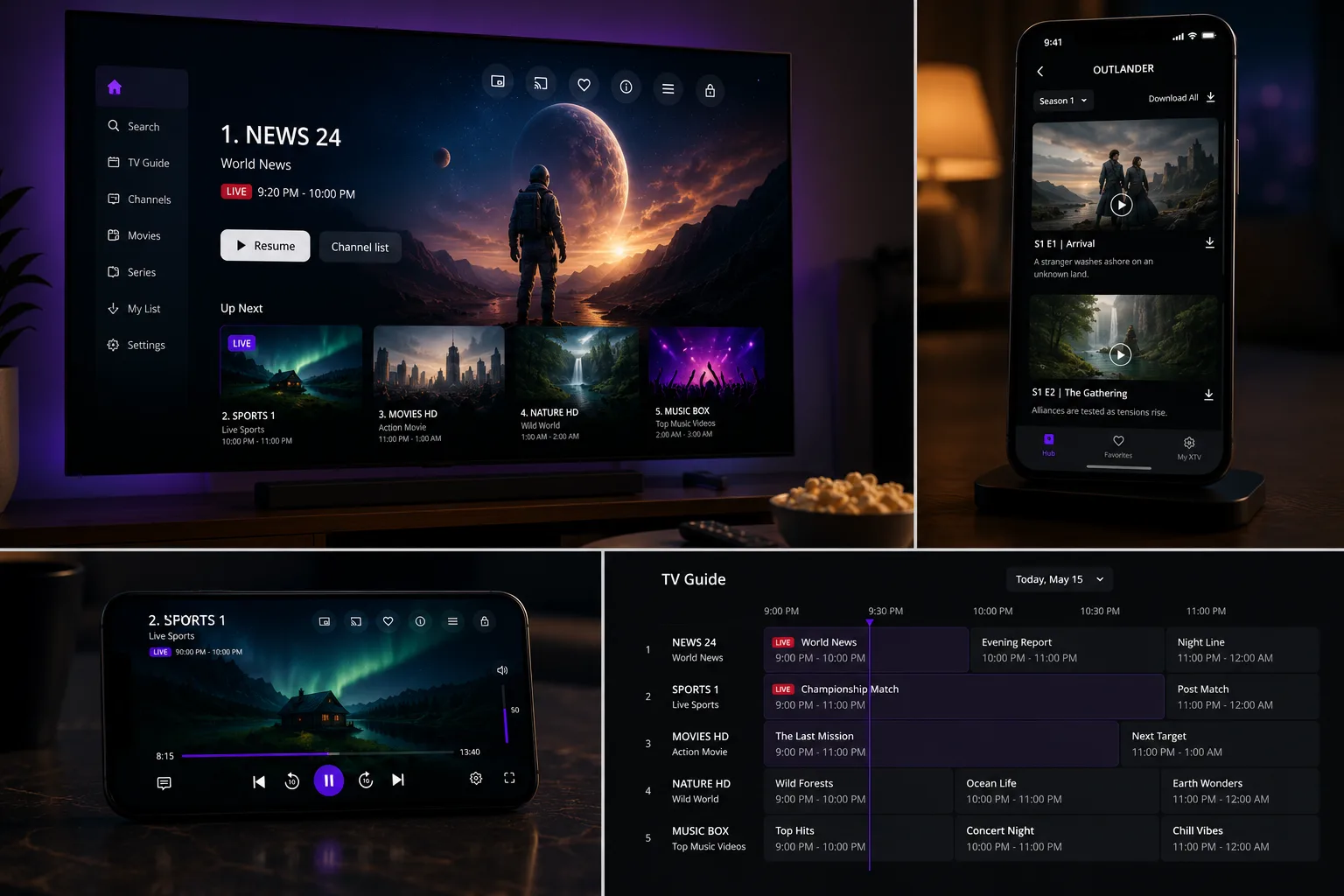
Navigation and playback are tied to the platform rather than to you, so they are written again for each one. The store listing is updated in place, never republished — a replacement shipped as a new app resets your ratings and loses your install base.
What you get
- The same service on the same screens, running on something still supported in three years
- A signed-off parity list, so nothing disappears without someone deciding it should
- Subscribers carried across without a forced sign-in
- Your existing store listings updated, not replaced, so ratings and installs survive
- Handover with the code, the build process and the store accounts in your name
Typical timeline
2 to 4 months for a like-for-like move, longer where features change
Who this is for
Four kinds of buyer land on this page. What they have in common is a deadline someone else set.
Something is ending. A supplier is winding down, a platform is dropping support for the version your app targets, or the toolkit it was written in stopped being maintained. The app still works today, which is exactly what makes it easy to leave too late.
Not every move is forced. Some services arrive here with nothing ending at all — the app works, it is simply old enough to be costing them viewers, and the decision is theirs to make rather than a supplier's. That is the same piece of work with the pressure taken off, and it is the better version to be doing: you choose the order, you choose what changes, and nothing has to ship by a date somebody else set.
If there is no app yet, building one from scratch is the page you want.
OTT app migration for broadcasters
Starts when a platform drops support for the version the guide app was built against, which puts a date on the work that nobody internally chose.
OTT app migration for telcos
Starts with set-top boxes already in homes and a supplier winding down, so the hardware you cannot change decides most of what the move looks like.
OTT app migration for media companies
Starts with an app whose original team has moved on, which makes working out what it currently does the first real piece of work.
OTT app migration for fast channel operators
Starts when the toolkit it was written in stopped being maintained, and the app keeps running right up until the day it cannot be rebuilt.
What we deliver
Your service on the same screens it is on now, running on something that will still be supported in three years, with your subscribers and your store listings intact.
We work at the app layer. If your back end is also being replaced, that is a second project with its own supplier, and the two need sequencing rather than merging — we will say so early and work to whatever you choose.
What each platform asks for on the way in differs quite a bit, and we have written those up platform by platform.
How the migration runs
The rebuild is rarely the hard part. Working out what the current app actually does is, especially when it has been running for years and the people who wrote it have moved on.
So the first stage produces a parity list: everything the old app does, marked as carrying over, changing, or deliberately being dropped. That list is the thing you sign off, and it is what stops a migration turning into an argument about a feature nobody remembered was there.
Work out what the app actually does
Not what the documentation says. The two have usually drifted, and this is where most of the risk sits.
Agree the parity list
Everything the old app does, marked as carrying over, changing, or being dropped on purpose. You sign this off.
Rebuild on a supported foundation
The parts that describe your business come across. The parts tied to the old platform are replaced.
Run both and compare
The old app is the specification. Differences get found by comparison rather than by a bug report after launch.
Update the listings you already have
Existing store entries are updated in place, so ratings, installs and links survive the move.
What actually varies
We do not publish a price. Here is the more useful thing: what moves it.
| Driver | What it changes |
|---|---|
| How well the current app is understood | The single biggest factor. A documented app with its original team available is a different project from one nobody has looked at in three years. |
| Whether the back end changes too | Moving the apps is one project. Replacing what they talk to is another. Doing both at once is possible and costs more than either alone. |
| Number of platforms | Each store has its own submission and its own reviewers, and each one is a separate approval to get through. |
| Keeping people signed in | Carrying sessions and entitlements across is usually achievable. Where the old system stored them in a way the new one cannot read, it becomes real work. |
One limit worth saying plainly, because it should change what you ask us for.
A migration is a good moment to change things, and a bad moment to change everything. Moving platforms and redesigning the product at the same time makes it impossible to tell which change caused a problem. We would rather move it first, then improve it, and say so even when the second phase is the more interesting work.
What we need from you
- Access to the current app, ideally including the source. If that has been lost, say so early — it changes the first stage, and it is more common than people expect.
- The deadline you are working to, and who set it.
- Your store accounts, so the migration updates the listings you already have rather than creating new ones.
- Whoever looks after sign-in and subscriptions, for a conversation before the parity list is agreed rather than after.
You will be talking to the people doing the work, which matters most on a migration, because the useful answers early on are about what could go wrong rather than what is being built.
Common questions
How long does an OTT app migration take?
Two to four months for a like-for-like move, and longer where you are changing features at the same time. Most of the variation is in how well the current app is understood rather than in how hard the new one is to build.
Will our subscribers have to sign in again?
They should not, and keeping that true is part of the work rather than a bonus. Sign-in and entitlements are carried across deliberately. Where the old system makes that impossible we will tell you before the project starts, not after.
Do we lose our app store ratings and installs?
Not if the migration updates your existing store listings rather than publishing new ones. Shipping a replacement as a new app resets ratings, loses the install base and orphans every link pointing at the old listing. It is the most common expensive mistake in this kind of project.
Can you migrate an app if the people who built it have gone?
Yes, and it is a common starting point. The first stage is working out what the app actually does rather than what its documentation says, because the two have usually drifted. That audit is where most of the risk sits.
Related
Last updated