
Solution
Custom OTT app development
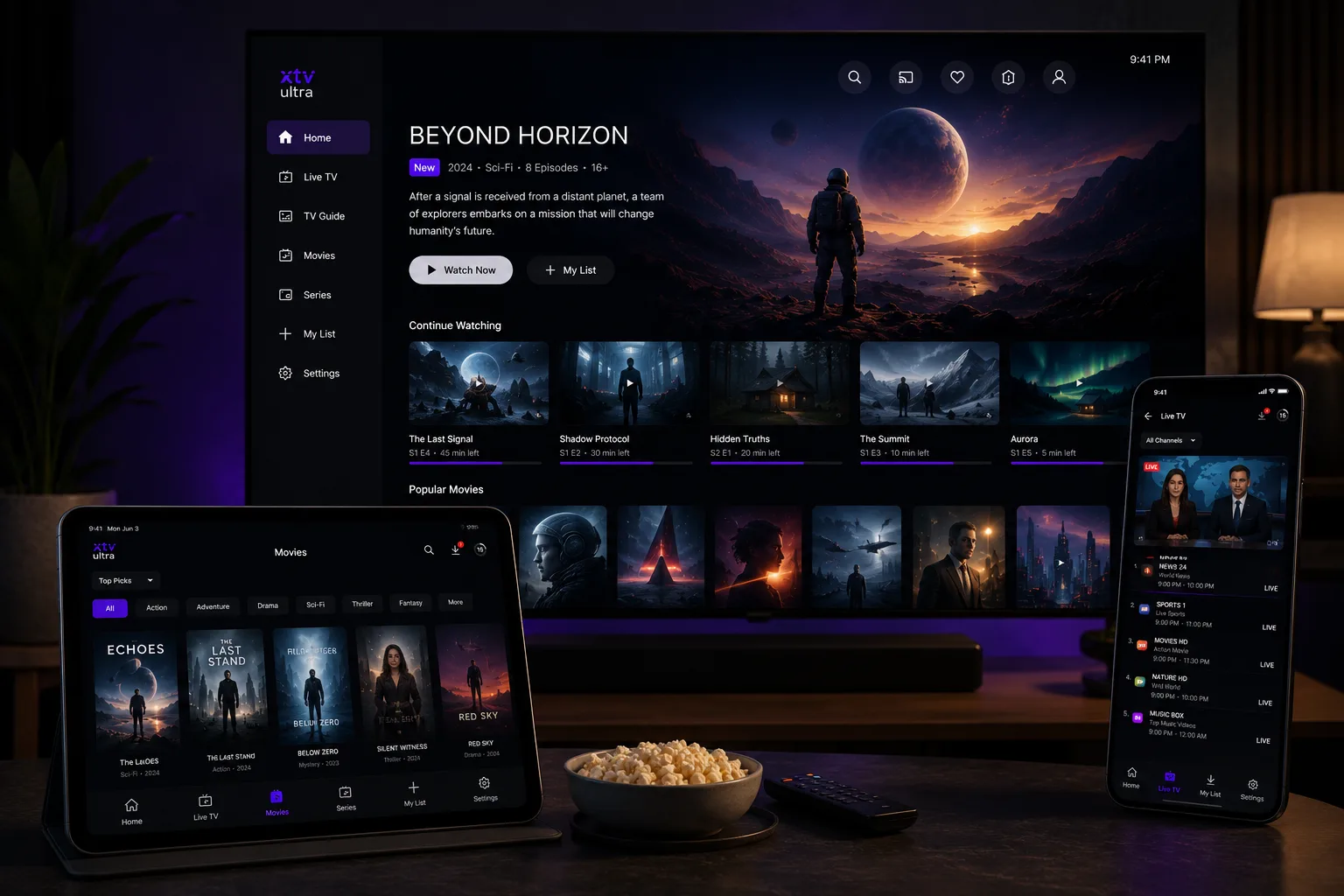
Streaming apps built for every screen your viewers own — smart TV, console, mobile, web and in-car.
- Smart TVs
- Tizen
- webOS
- Vidaa
- Titan OS
- Vega OS
- Streaming devices
- Roku
- Fire TV
- Apple TV
- Android TV
- Consoles
- Xbox
- PlayStation
- Mobile and web
- iOS
- Android
- Browser
- In-car
- CarPlay
- Android Auto
One service, every screen
Television
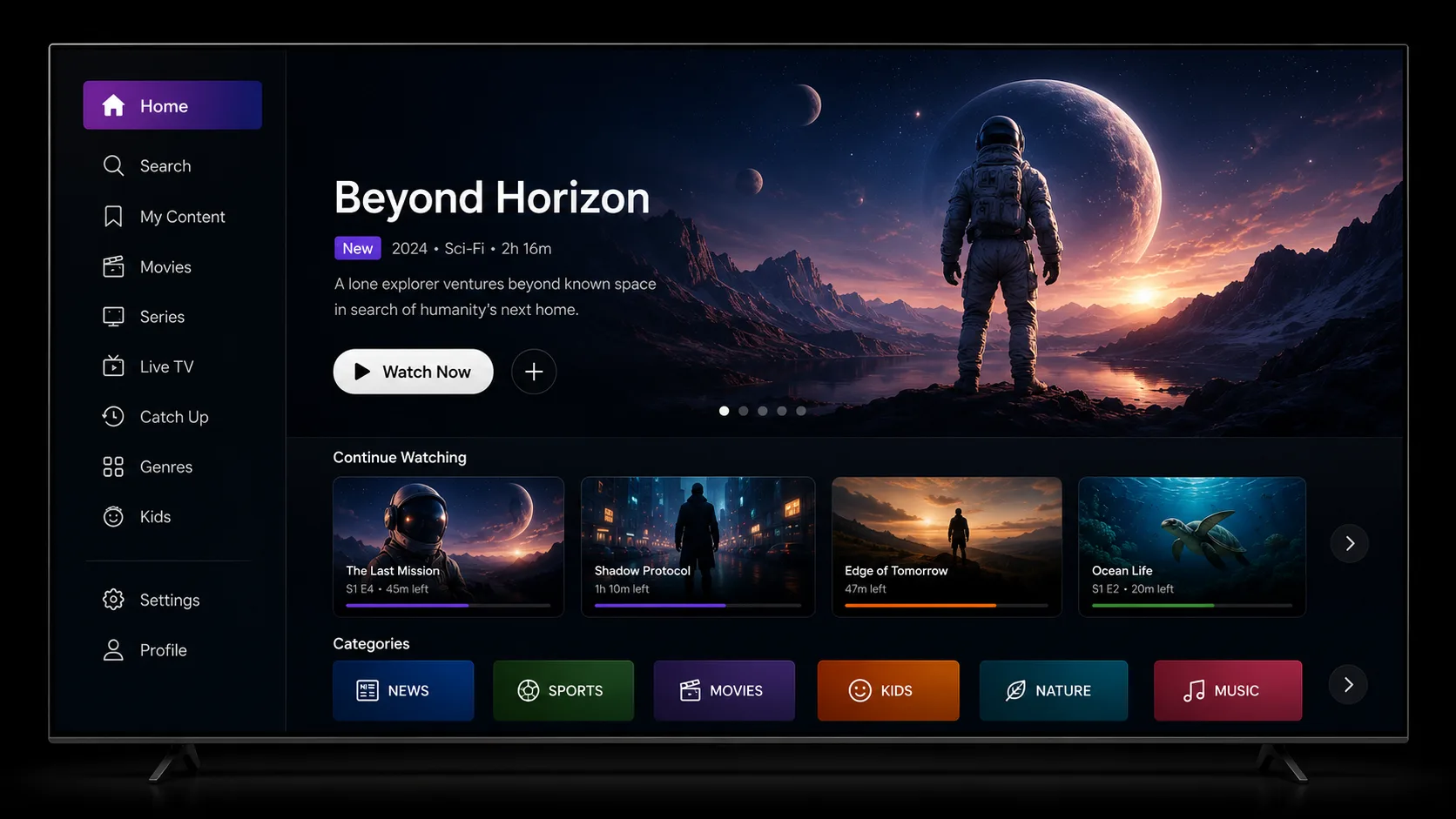
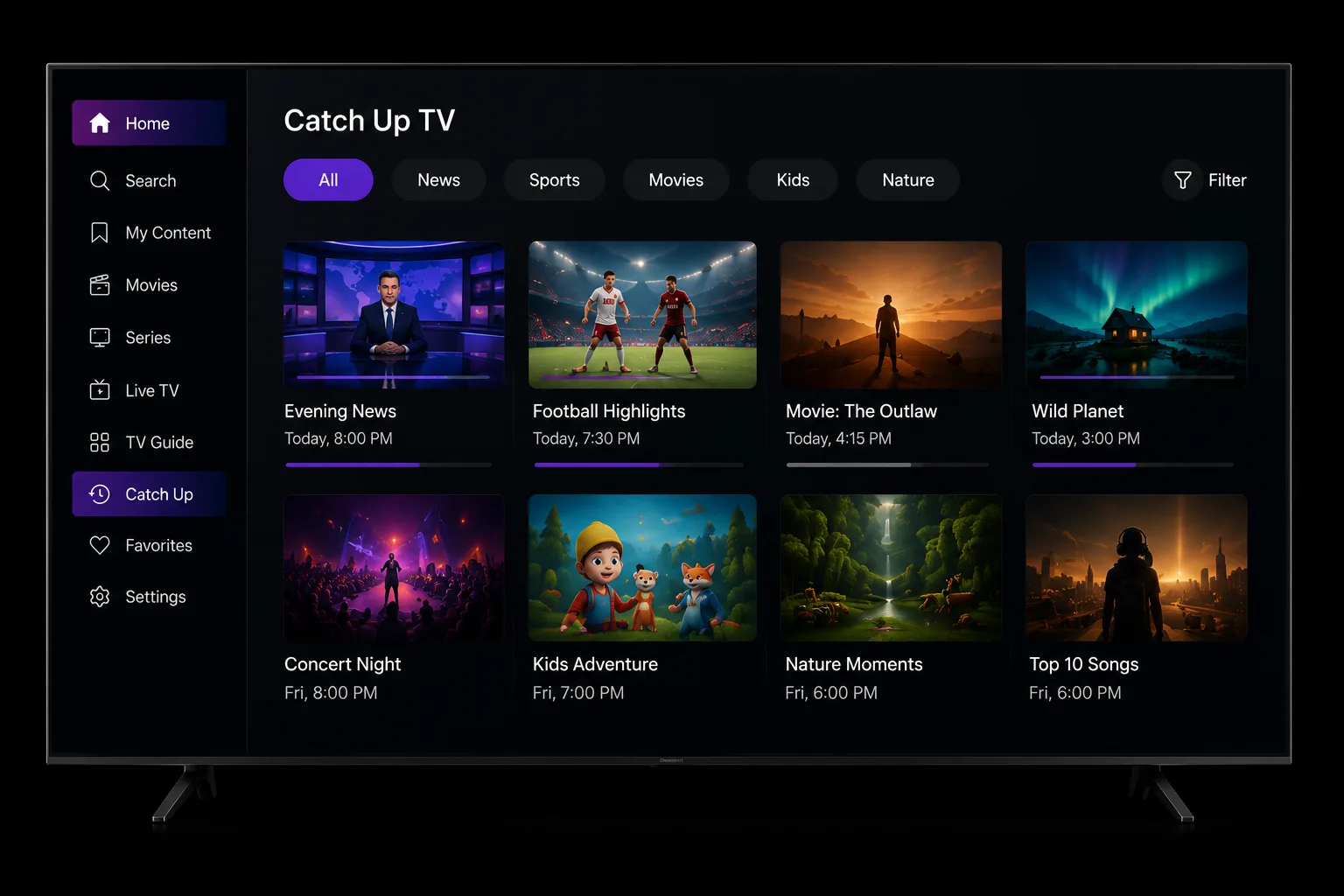
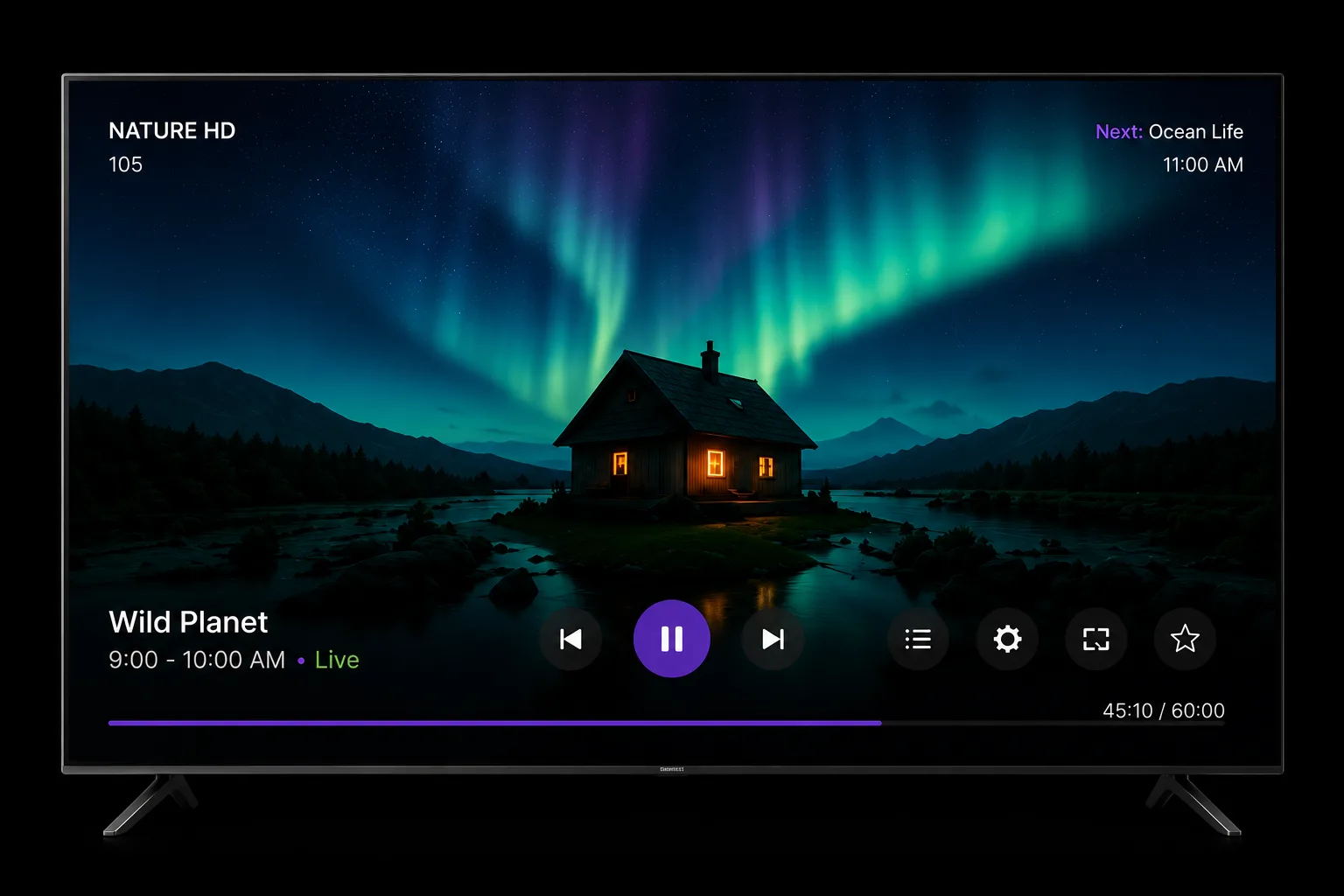
Television, viewed from 3 m, controlled with a Remote.
A ten-foot interface. Everything is reachable with five keys and a select button, so navigation is laid out for a remote rather than adapted to one. The programme guide is usually the hardest part of a broadcaster build, and we scope it as its own piece of work.
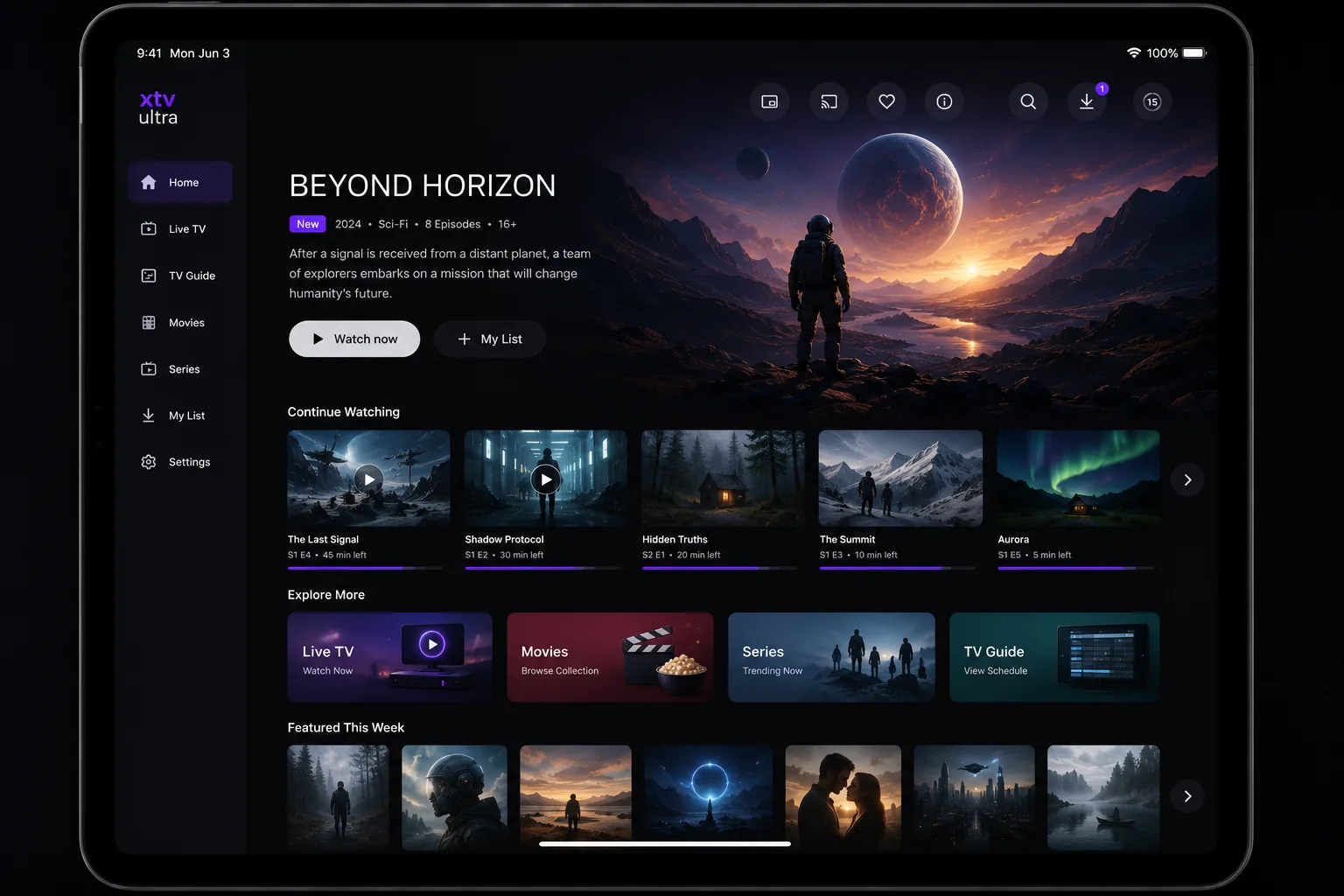
Tablet
Tablet, viewed from 60 cm, controlled with a Touch.
The same catalogue, the same sign-in, the same business rules — one codebase, laid out for a screen held at arm's length instead of watched across a room.
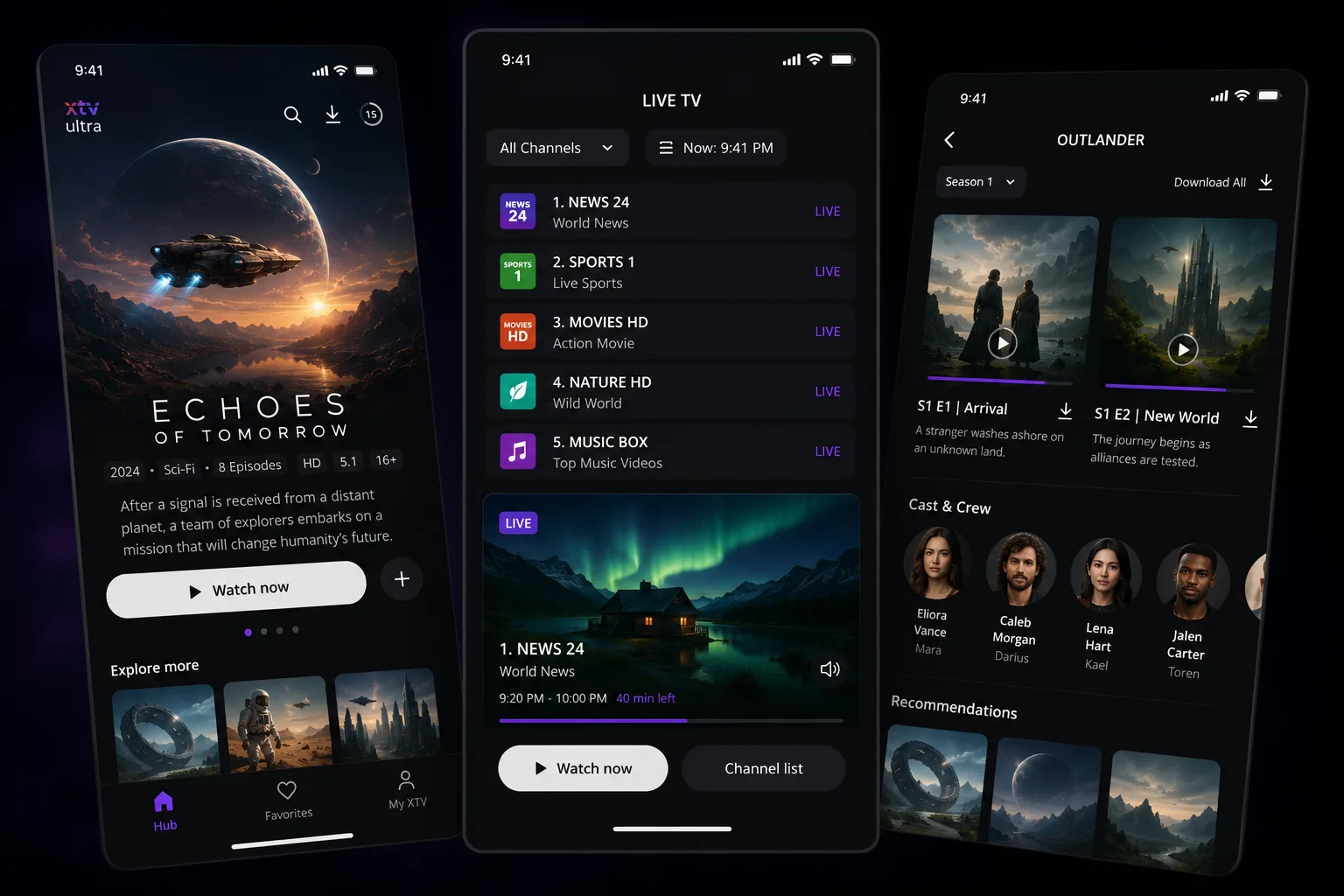
Phone
Phone, viewed from 30 cm, controlled with a Thumb.
Everything moves to within reach of one thumb, and the player is rebuilt for touch. This is the part that does not carry over from a TV build, and the reason a phone app is not a resized television app either.
What you get
- A working app on every platform you choose, through store approval
- One shared foundation, so your catalogue and sign-in behave the same everywhere
- Content protection set up for what your licences require
- Handover with the code, the build process and the store accounts in your name
Typical timeline
2 to 6 months, depending on how many platforms are in scope
Who this is for
Four kinds of buyer land on this page. The pitch is similar in each case. The build is not.
If the app already exists and the problem sits underneath it, migrating an app you already have is probably the closer fit.
Custom OTT app development for streaming services
Starts with a catalogue and a phone app that already work, and a board asking why the service is not on television yet.
Custom OTT app development for broadcasters
Starts with a schedule and a programme guide, which is usually the hardest part of the build and the first thing we scope.
Custom OTT app development for VOD platforms
Starts with a library and paying subscribers, so most of the work is helping people find things and making sure the right people can watch them.
Custom OTT app development for telcos
Starts with set-top boxes already in homes, which decides more of the build than anything you would choose from scratch.
What we deliver
A streaming app on the screens your audience actually uses. Shared where sharing makes sense, and built to the platform's own rules where it does not.
Consoles and cars are the unusual part. Most studios cover televisions and phones and stop. If a real share of your viewers watch on a PlayStation, that can be part of the same conversation rather than a second supplier. Music and podcast apps are in scope too, which matters most in the car, where audio is the main event.
Much of the app is shared rather than rebuilt. We work in React Native where the platform supports it, so your catalogue, sign-in and business rules are written once and maintained once — which keeps both the build and the years afterwards cheaper. Some platforms do need their own build, and we will tell you which ones early rather than at the end.
What each platform asks for differs quite a bit. We have written those up platform by platform if you want the detail before you decide.
How the build runs
The work is staged so something runs on a real device early. The costly surprises in this business tend to show up at store approval, and the point of the sequence below is to find them well before that.
We start with the hardest platform rather than the easiest. That sounds backwards, and it is deliberate: the strictest platform sets the highest bar, so most of what satisfies it will satisfy the rest. Going the other way means reworking things later, usually in the parts that are most awkward to change.
Agree the platform list
Where your viewers actually watch decides the list, and the list decides most of the budget.
Start with the hardest platform
It has the strictest rules, so everything built for it tends to satisfy the others too.
Get it onto real devices early
Problems found on a TV in week three are cheap. The same problems found at store approval are not.
Roll out to the rest
The shared foundation carries over. Each platform still gets its own navigation and playback.
Submit and hand over
Every store reviews differently. You finish owning the code, the build process and the accounts.
What actually varies
We do not publish a price. Here is the more useful thing: what moves it.
| Driver | What it changes |
|---|---|
| Number of platforms | Each store has its own submission and its own reviewers. Two platforms is not double one, but it is not one either. |
| Content protection | What your licences require decides how much of this you need, and it is separate work from the app itself. |
| Middleware | Connecting to a system you already run is straightforward to scope. Helping you choose one is a different project, and we would say so rather than fold it in quietly. |
| Live or on-demand | Live brings timing and load to manage. On-demand does not. |
One limit worth saying plainly, because it should change what you ask us for.
We build apps, not content distribution. If the goal is getting a channel carried on someone else's free streaming service, that is a distribution deal and a different kind of supplier. Worth knowing early.
What we need from you
- Where your viewers actually watch, or the go-ahead to help work it out. It decides the platform list, and the platform list decides most of the budget.
- Whoever looks after your existing systems, for a conversation early rather than late.
- A view on middleware: one you already run, one you would like us to connect to, or an open question you want help with.
You will be talking to the people doing the work, which mostly matters when the honest answer to a question is "it depends" and you want to know what it depends on.
Common questions
How long does a custom OTT app build take?
Two to six months. It depends mainly on how many platforms you want, because each store has its own submission process and its own reviewers. One platform sits at the short end. Five or six sits at the long end.
Do we need a separate build for every platform?
No, but you need more than one. Your catalogue, sign-in and business rules are built once. Navigation and playback are done per platform, because a TV remote, a game controller and a touchscreen are three different ways of getting around a screen.
We already have a mobile app. Can you reuse it?
Partly. The parts that describe your business carry over. The parts that describe the screen do not. A TV app is built for a remote and a room, not for a hand, so it is a new build rather than a resize.
How do you handle app store certification?
Per platform, because each one reviews differently. We build to the store's requirements from the start rather than leaving approval to the end, since the things that get an app rejected are usually hard to fix late.
Related
Last updated